jupyter notebook for python (八)
Functions Arguments & Parameters
Functions are used for code tasks that are intended to be reused
Python allows us to create User Defined Functions and provides many Built-in Functions such as print()
print()can be called using arguments (or without) and sends text to standard output, such as the console.print()uses Parameters to define the variable Arguments that can be passed to the Function.print()defines multiple string/numbers parameters which means we can send a long list of Arguments toprint(), separated by commas.print()can also be called directly with just its name and empty parentheses and it will return a blank line to standard output

(2)
def some_function():
use the def statement when creating a function
- use a function name that starts with a letter or underscore (usually a lower-case letter)
- function names can contain letters, numbers or underscores
- parenthesis () follow the function name
- a colon : follows the parenthesis
- the code for the function is indented under the function definition (use 4 spaces for this course)
def some_function():
   #code the function tasks indented here
The end of the function is denoted by returning to no indentation
(3)Call a function by name
Call a simple function using the function name followed by parenthesis. For instance, calling print isprint()

(4) Functions that have Parameters
print() and type() are examples of built-in functions that have Parameters defined
type() has a parameter for a Python Object and sends back the type of the object
an Argument is a value given for a parameter when calling a function
typeis called providing an Argument - in this case the string "Hello"type("Hello")
Defining Function Parameters
- Parameters are defined inside of the parenthesis as part of a function
defstatement - Parameters are typically copies of objects that are available for use in function code
def say_this(phrase):
    print(phrase)
Function can have default Arguments
- Default Arguments are used if no argument is supplied
- Default arguments are assigned when creating the parameter list
def say_this(phrase = "Hi"):
    print(phrase)

翻译:argument:论点
intialize:初始化
define a variable for called phrase:为被调用的短语定义一个变量
智能推荐
Python教程:Jupyter Notebook入门
Jupyter Notebooks使您可以将代码,注释,多媒体和可视化组合到一个交互式文档中,该文档可以共享,重复使用和重新处理。 Jupyter Notebook最初是为用Python,R和Julia编写的数据科学应用程序而开发的,它以各种方式对各种项目都有用。 您可以使用Jupyter Notebook与第三方共享Python代码及其输出,通过实时交互反馈运行代码,或者系统地跟踪和记录工作进度...

python学习利器Jupyter Notebook
一、什么是Jupyter Notebook? 简介 Jupyter Notebook是基于网页的用于交互计算的应用程序。其可被应用于全过程计算:开发、文档编写、运行代码和展示结果。 Jupyter Notebook地址: https://jupyter-notebook.readthedocs.io/en/stable/ 到底什么是 Jupyter Notebook?按照 Jupyter 创始人 ...
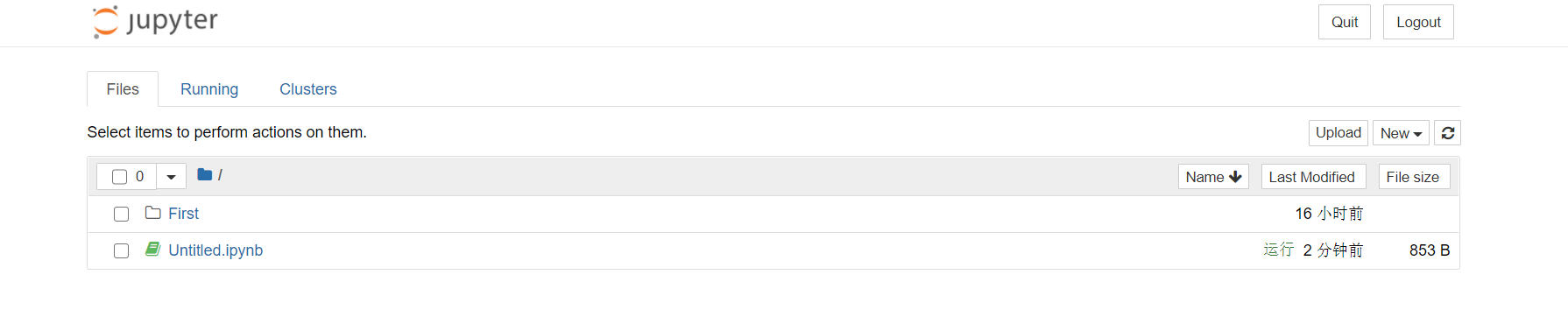
Python学习使用--Jupyter NoteBook
文章目录 安装与运行 快捷键 默认地址 查看默认地址 其他使用技巧 安装与运行 可以使用pip直接安装 pip有问题的请参考文档 pip的使用和命令以及错误解决 运行命令 在cmd中直接输入 Jupyter NoteBook 运行完之后会自动在浏览器中展示 快捷键 打开之后为: 需要和esc键联动 需要和enter键联动 默认地址 查看默认地址 在运行起来的项目中新建运行 输入命令 在cmd中运行...

Python·Jupyter Notebook各种使用方法
Jupyter Notebook安装的官方网站 安装Jupyter Notebook的先决条件:已经安装了python(python 2.7 或者是python3) 具体的安装方法: 官方建议利用Anaconda安装Jupyter 安装完成Anaconda后,如果该Anaconda并不自带Jupyter Noterbook,那么,打开cmd,输入:conda install jupyter &nb...

在Python 3中设置Jupyter Notebook
介绍Jupyter Notebook提供了一个用于作为Web应用程序的交互式计算的命令shell。该工具可以与多种语言一起使用,包括Python,Julia,R,Haskell和Ruby。它通常用于处理数据,统计建模和机器学习。 本教程将引导您设置Jupyter Notebook以在本地或从Ubuntu 16.04服务器运行,以及教您如何连接和使用笔记本。 Jupyter笔记本(或简称笔记本)是由...
猜你喜欢
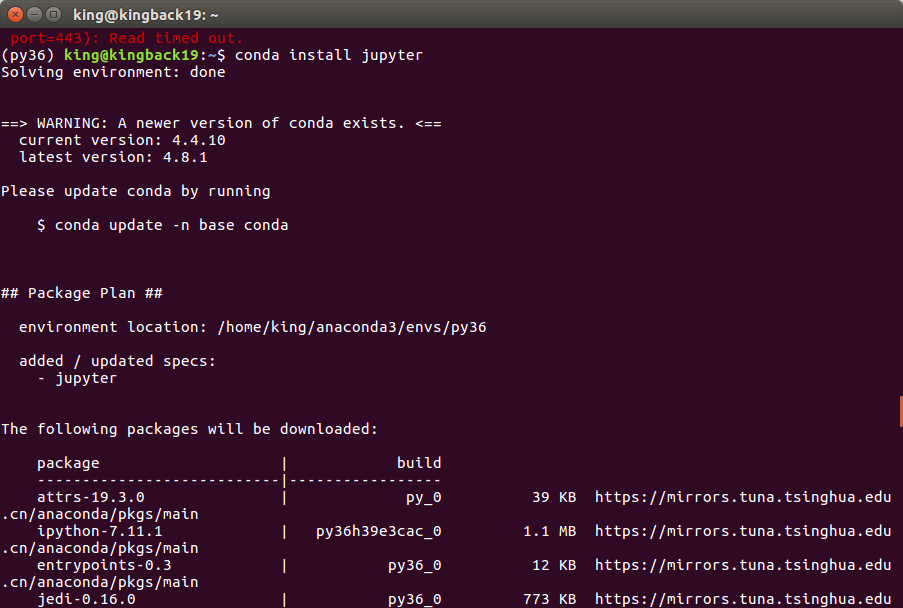
Python3.X配置jupyter notebook
Python3.X配置jupyter notebook 1.在终端安装jupyter 1.在终端安装jupyter 有时会出现连接超时的情况则可使用如下命令代替,因为我的就是在pip的时候爆出了错误443。嘿嘿嘿 这就是结果图啦! 然后再执行如下命令,启动 界面如下所示: 这时即可在浏览器看到我们的界面啦,哈哈哈,nou 好好享受jupyter带来的方便吧!在写完代码后Ctrl+Enter执行该语...
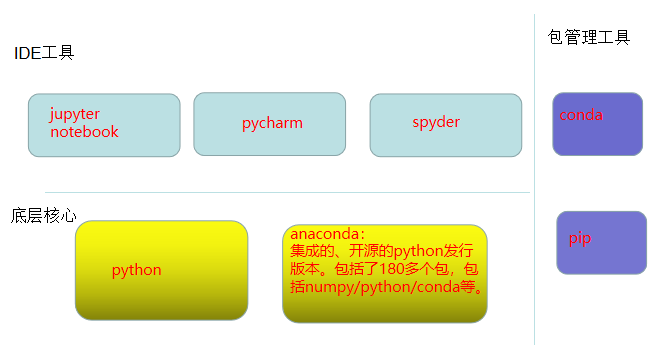
Python的运行环境Jupyter Notebook
目录 Python开发工具 Jupyter Notebook的安装 Jupyter Notebook的快捷键 Jupyter Notebook 安装库、扩展工具 安装库 安装扩展工具 参考 Python开发工具 Python开发工具大体分两种:代码编辑器、集成工具IDE。 常用到的编辑器有Vim, Atom、Sublime Text、VS Code、...

Python基础——Windows安装Jupyter Notebook
Windows安装Jupyter Notebook 前置需求 Jupyter NoteBook安装 Jupyter NoteBook配置 启动jupyter 配置jupyter Jupyter设置登陆密码 参考文献 如果你的Python环境是通过anaconda安装的话,anaconda会预装Jupyter Notebook。 前置需求 Python基础——Windows安...

jupyter notebook 配置多anaconda/python内核
问题描述: 在anaconda创建了虚拟环境my_tensorflow,并且安装了sklearn。 进入虚拟环境,可以成功导入sklearn: 但是,在 jupyter notebook 却无法导入,ImportError: No module named 'sklearn.__check_build._check_build': 在 jupyter notebook 中输入: 我们发现...
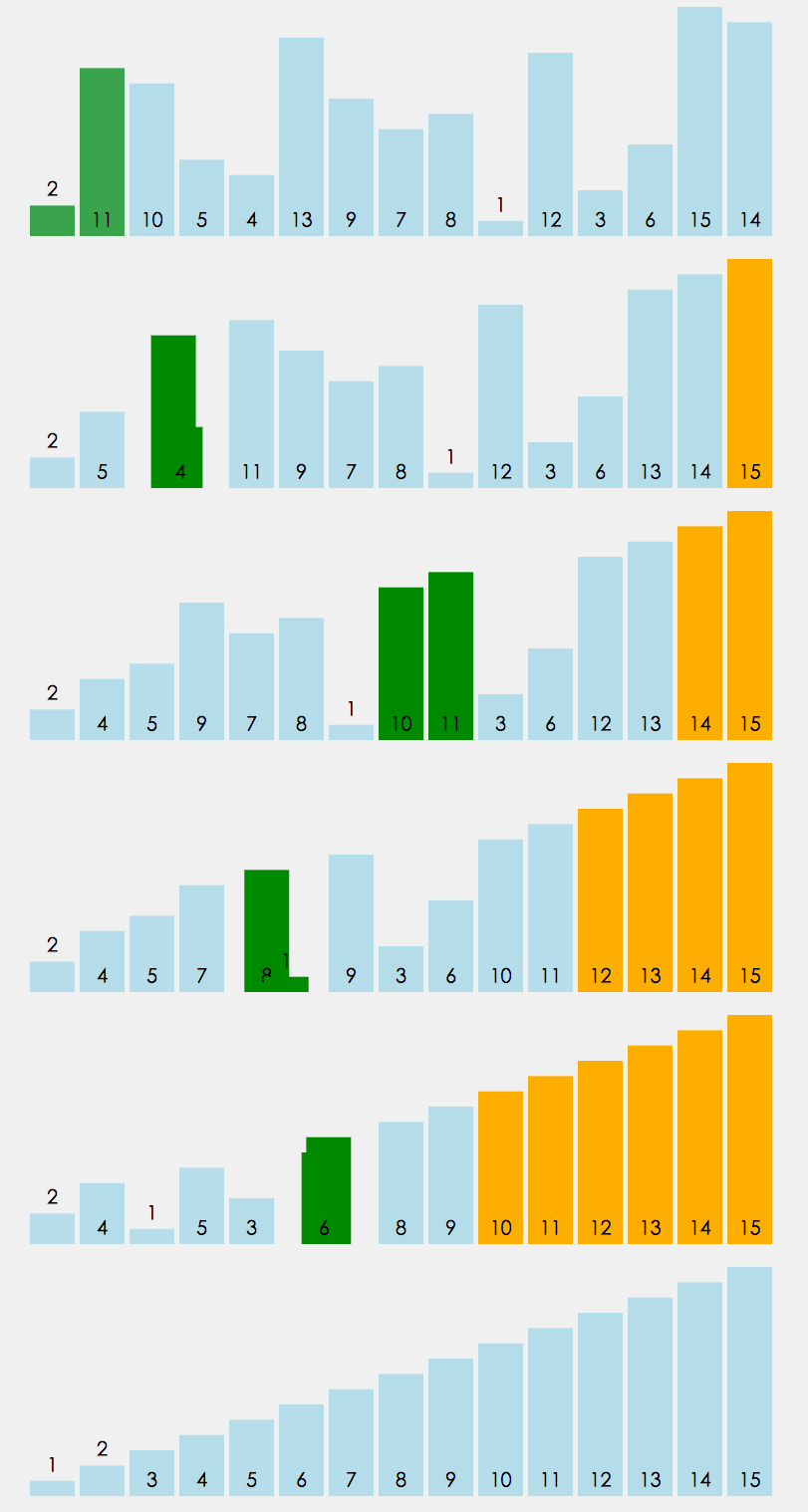
冒泡排序,及改进方式,性能优化400%>>>附图解加源码
首先源码附上,源码中带有注释,看不懂没关系,源码后面附带图解,最后附上代码效率提升图 源码如下: 方案一:其实实现很简单,两层循环,每次内层迭代出最大的一个值,将其放入数组最后一个位置,外层循环的末端便往前移一位。其原理如下图 方案一代码块: 方案二:优化改进 仔细观察上面的图,我们不难发现当迭代到图下这样的情况时,其实已经全排序好了,但是我们还是需要对它进行1,2,3,4,5,6的迭代,这些情况...
