Unity游戏开发——UnityUGUI——Button动态绑定事件
UGUI和NGUI一个作者写的所以很多东西基本类似,今天记录下UGUI动态绑定事件
UGUI支持的事件如下
Supported Events
The Eventsystem supports a number of events, and they can be customised further in user custom user written InputModules.
The events that are supported by the StandaloneInputModule and TouchInputModule are provided by interface and can be implemented on a MonoBehaviour by implementing the interface. If you have a valid EventSystem configured the events will be called at the correct time.
- IPointerEnterHandler - OnPointerEnter - Called when a pointer enters the object
- IPointerExitHandler - OnPointerExit - Called when a pointer exits the object
- IPointerDownHandler - OnPointerDown - Called when a pointer is pressed on the object
- IPointerUpHandler - OnPointerUp - Called when a pointer is released (called on the original the pressed object)
- IPointerClickHandler - OnPointerClick - Called when a pointer is pressed and released on the same object
- IInitializePotentialDragHandler - OnInitializePotentialDrag - Called when a drag target is found, can be used to initialise values
- IBeginDragHandler - OnBeginDrag - Called on the drag object when dragging is about to begin
- IDragHandler - OnDrag - Called on the drag object when a drag is happening
- IEndDragHandler - OnEndDrag - Called on the drag object when a drag finishes
- IDropHandler - OnDrop - Called on the object where a drag finishes
- IScrollHandler - OnScroll - Called when a mouse wheel scrolls
- IUpdateSelectedHandler - OnUpdateSelected - Called on the selected object each tick
- ISelectHandler - OnSelect - Called when the object becomes the selected object
- IDeselectHandler - OnDeselect - Called on the selected object becomes deselected
- IMoveHandler - OnMove - Called when a move event occurs (left, right, up, down, ect)
- ISubmitHandler - OnSubmit - Called when the submit button is pressed
- ICancelHandler - OnCancel - Called when the cancel button is pressed
常用的是动态实现Onclick事件
using System.Collections;
using System.Collections.Generic;
using UnityEngine;
using UnityEngine.SceneManagement;
using UnityEngine.UI;
using UnityEngine.Events;
using UnityEngine.EventSystems;

public class lv01 : MonoBehaviour {


	// Use this for initialization
	void Start () {
        Button btn = GameObject.Find("Button").GetComponent<Button>();
        btn.onClick.AddListener(delegate ()
        {
            this.GotoGameSence();
        });
    }

	// Update is called once per frame
	void Update () {

	}
    public void GotoGameSence()
    {
        print("调整");
        //pplication.LoadLevel(1);
        SceneManager.LoadScene(1);
}}UGUI还支持很多事件比如鼠标经过,离开,按下等,UGUI提供了一个EventTrigger 组件
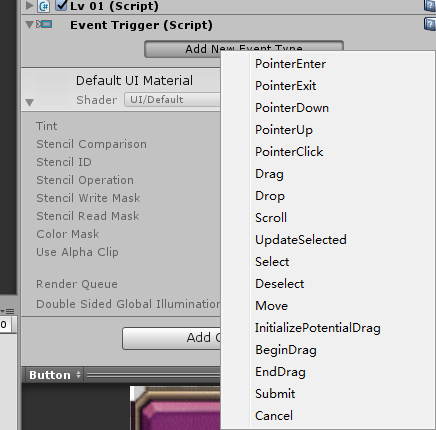
这个也可以通过代码获取到
using System.Collections;
using System.Collections.Generic;
using UnityEngine;
using UnityEngine.SceneManagement;
using UnityEngine.UI;
using UnityEngine.Events;
using UnityEngine.EventSystems;

public class lv01 : MonoBehaviour {


	// Use this for initialization
	void Start () {
        //Button btn = GameObject.Find("Button").GetComponent<Button>();
        //btn.onClick.AddListener(delegate ()
        //{
        //    this.GotoGameSence();
        //});
        var trigger = transform.gameObject.GetComponent<EventTrigger>();
        if (trigger == null)
            trigger = transform.gameObject.AddComponent<EventTrigger>();

        trigger.triggers = new List<EventTrigger.Entry>();
        EventTrigger.Entry entry = new EventTrigger.Entry();

        //entry.eventID = EventTriggerType.PointerDown;鼠标按下
        entry.eventID = EventTriggerType.PointerEnter;//s鼠标经过
        UnityAction<BaseEventData> callback = new UnityAction<BaseEventData>(OnButtonDown);
        entry.callback.AddListener(callback);
        trigger.triggers.Add(entry);
    }

	// Update is called once per frame
	void Update () {

	}
    public void GotoGameSence()
    {
        print("调整");
        //pplication.LoadLevel(1);
        SceneManager.LoadScene(1);
    }
    public void OnButtonDown(BaseEventData arg0)
    {
        Debug.Log("down");
    }
}
智能推荐

unity button 通过事件改变物体颜色
1,Canvas不能移动,理解为Game窗口。 2, button在UI层,不知为什么它在相机视野里面前后移动时不会远小近大。(有点像小说三体3中云天明给程心讲的故事中那个深水王子的感觉。) Pos X = 0, Pos Y = 0 表示btton在Canvas中间 通过点击脚本改变颜色的事件设置,button添加上后会自动加一个可以用的事件。 如果不用它自带的可以自己加 a)添加组件event ...
Unity_UGUI_Button点击事件
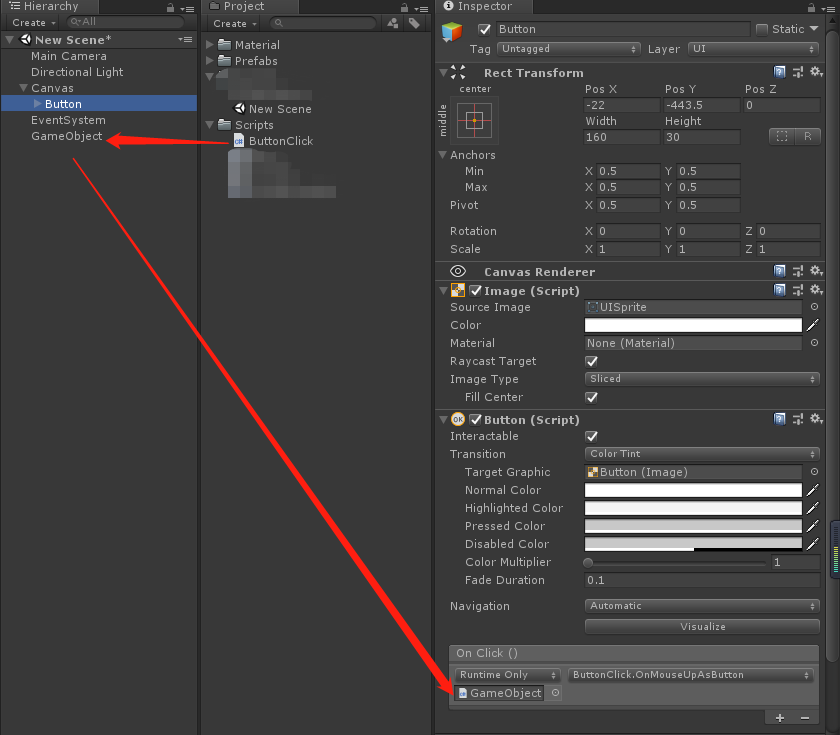
UGUI按钮的点击事件 基础知识大神绕路 1.通过拖拽绑定事件 <1>.在Hierarchy面板创建UI→Button; <2>.创建脚本 <3>.拖拽绑定事件 将脚本所挂载的对象拖拽至Inspector面板中的Button→OnClick() 并选择脚本中的事件名就可以了(OnMouseUpAsButton) 2.通过绑定脚本,监听按钮的点...
Unity事件系统实现uGUI Button长按
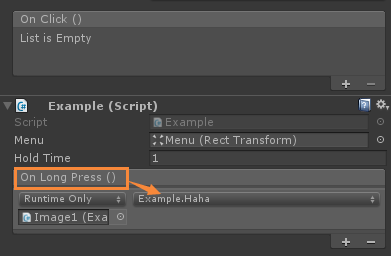
还在用Update计时器实现各种流程控制和状态判断吗?今次介绍一下使用UnityEvents实现uGUI的长按状态检测。效果案例是我们常见的微信长按弹出菜单。 使用事件,首先需要添加引用。 在继承后面添加接口,用来获取UI状态。 添加完,发现Handler下面都有波浪线错误提示。通过定义带EventData形参的对应函数,实现接口。 声明一个Unity事件,以及一个长按时间的变量。 实现这个OnL...
IOS开发笔记(三)——视图跳转,绑定button事件,UITableView使用方法,文件浏览器demo
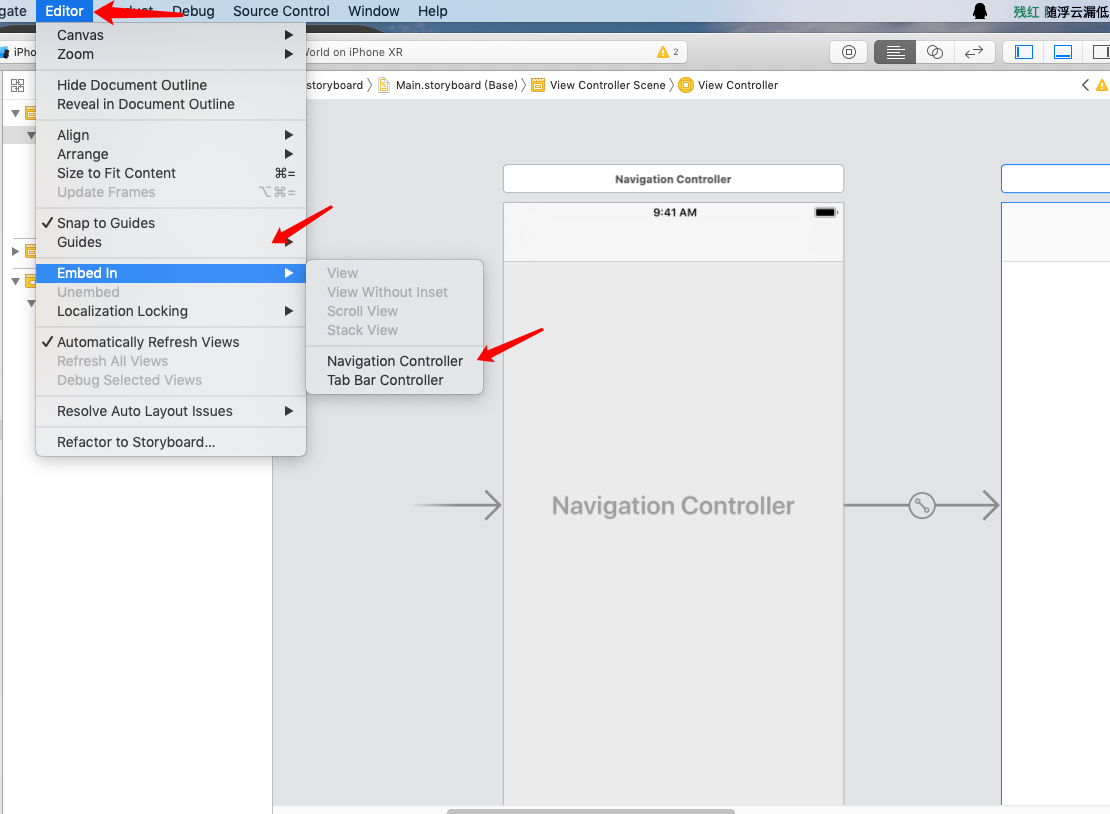
中山大学数据科学与计算机学院本科生实验报告 (2019年春季学期) 课程名称 IOS开发 任课老师 郑贵锋 年级 16 专业(方向) 软件工程(计算机应用方向) 学号 16340132 姓名 梁颖霖 电话 13680473185 Email [email protected] 开始日期 2019/3/30 完成日期 2019/4/2 一、实验题目 IOS UI编程 IOS 网络访问 IOS 本地存储 二、实...
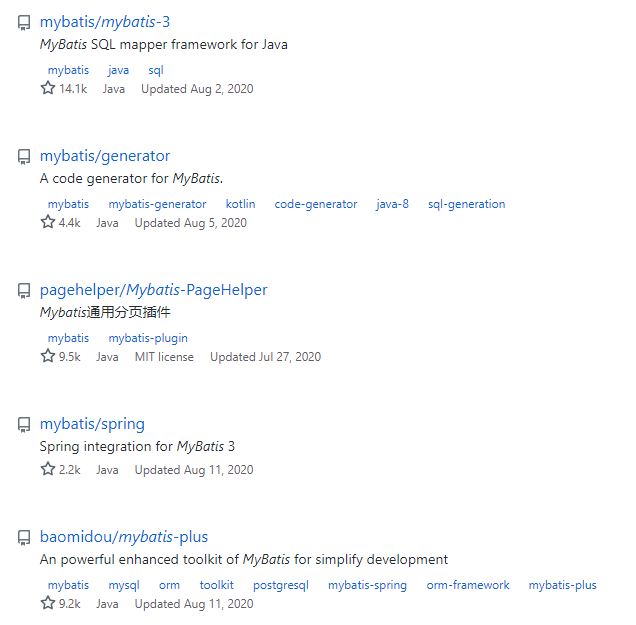
Mybatis源码的下载,搭建以及阅读源码的姿势
源码下载 mybatis的源码是在github上开源的,所以直接从github上搜索下载即可。 如上图,第一个就是mybatis3的源码项目,下面几个也是项目中常用的依赖项目,分页插件pagehelper,SSM项目需要引入的依赖mybatis-spring,mybatis-plus项目等。 当前最新版本是v3.5.5,可以选择合适的版本下载。我本地选择的是v3.5.4版本,小版本之间没有太大差异...
猜你喜欢
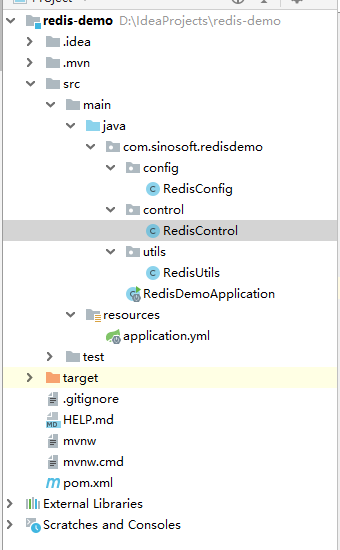
spring cloud + redis RedisTemplate Api搭建简单Demo
简介 Redis是一种NoSQL数据库,即非关系型数据库。redis是一个key-value存储系统。它支持存储的value类型相对更多,包括string(字符串)、list(链表)、set(集合)、zset(sorted set --有序集合)和hash(哈希类型)。这些数据类型都支持push/pop、add/remove及取交集并集和差集及更丰富的操作,而且这些操作都是原子性的。在此基础上,r...
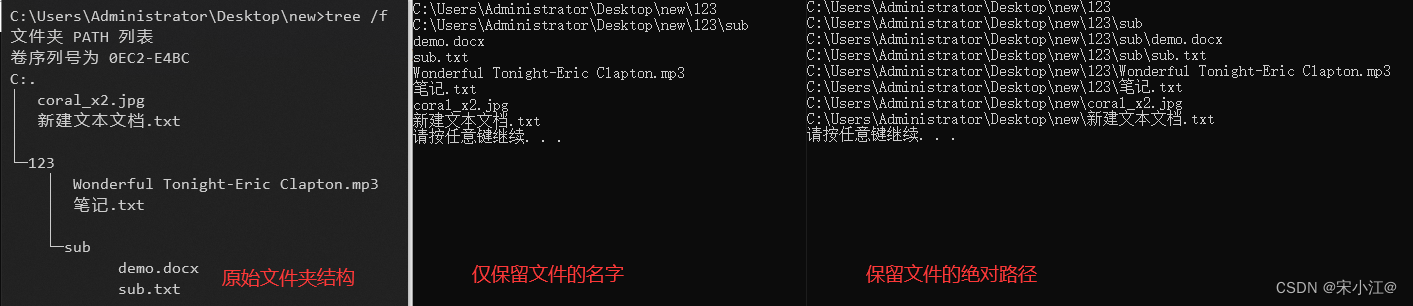
c++在windows、linux下获取指定文件夹下所有文件名的方法
一般来说,获取指定文件夹下的所有文件名,用python是较为方便的,直接: import os files_name = os.listdir(“一个路径”) 但也有c++程序偶尔也有这个需求,下面就直接上c++在windows和linux去读取文件夹下文件名的方法,不同的系统代码上有一些差别 Windows(vs) vs的环境,主要是用到了头文件<io.h>,...
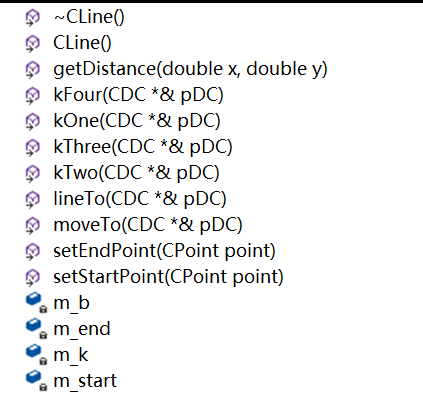
计算机图形学实验一绘制任意斜率的直线段
一、实验目的 (1)掌握任意斜率直线段的重点 Bresenham 扫描转换算法; (2)掌握 Cline 直线类的设计方法; (3)掌握状态栏编程方法。 二、实验步骤 (1)创建MFC应用程序 (2)定义CLine类 添加消息处理的处理程序 三、实验结果 四、实验体会 在本次实验中,通过不断的探索和实践,我学会了如何创建一个MFC应用程序,将理论运用于实践...
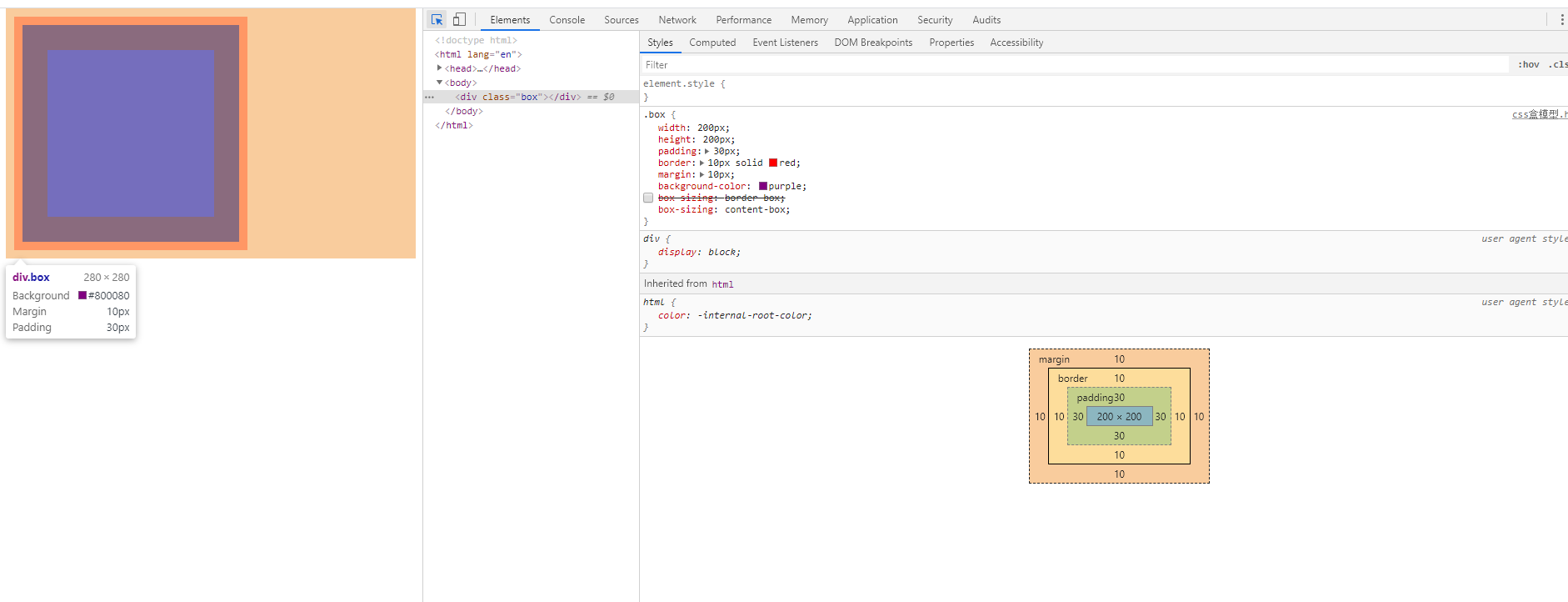
CSS盒模型
盒子模型 盒子模型是什么 CSS盒子模型就是在CSS技术所使用的一种思维模型。CSS假定所有的HTML文档元素都生成一个描述该元素在HTML文档布局中所占空间的矩形元素框,可以形象地将其看作是一个盒子。通过定义一系列与盒子相关的属性,可极大地丰富和促进各个盒子乃至整个HTML文档的表现效果和布局结构。CSS盒子模型由内容区、填充、边框和空白边四部分组成。内容区是盒子模型的中心,呈现盒子的主要信息内...
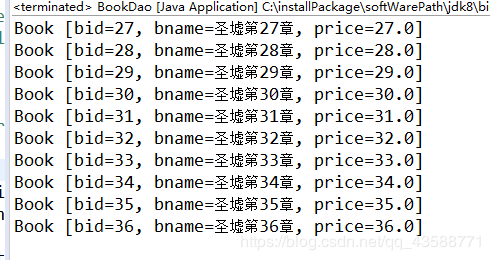
通用分页
通用分页 我们从数据库里面拿到的数据要进行分页首先需要连接到数据库 这些类是不能少的;这是获得数据库对象的类 pageBean 首先我们需要把想要分页的属性进行一个封装,一个分页的工具类 BookDao 然后我们需要一个dao方法 ,就以BookDao 为案列 我们需要继承baseDao通用dao方法进行一个分页实现(BaseDao在后面) BaseDao 这个是通用的dao方法 实体类进行分页实...
